Learn how to make your website fully inclusive with our complete WordPress accessibility guide. Explore WCAG guidelines, color contrast standards, keyboard navigation, ARIA attributes, and top accessibility plugins.
An in-depth comparison of Elementor vs Bricks vs Divi vs Gutenberg covering performance, ease of use, dynamic content, dynamic queries, AI features, and ideal user profiles.
Uncover lesser-known WordPress Site Editor hidden features, productivity tricks, and customization techniques to streamline your full-site editing workflow.
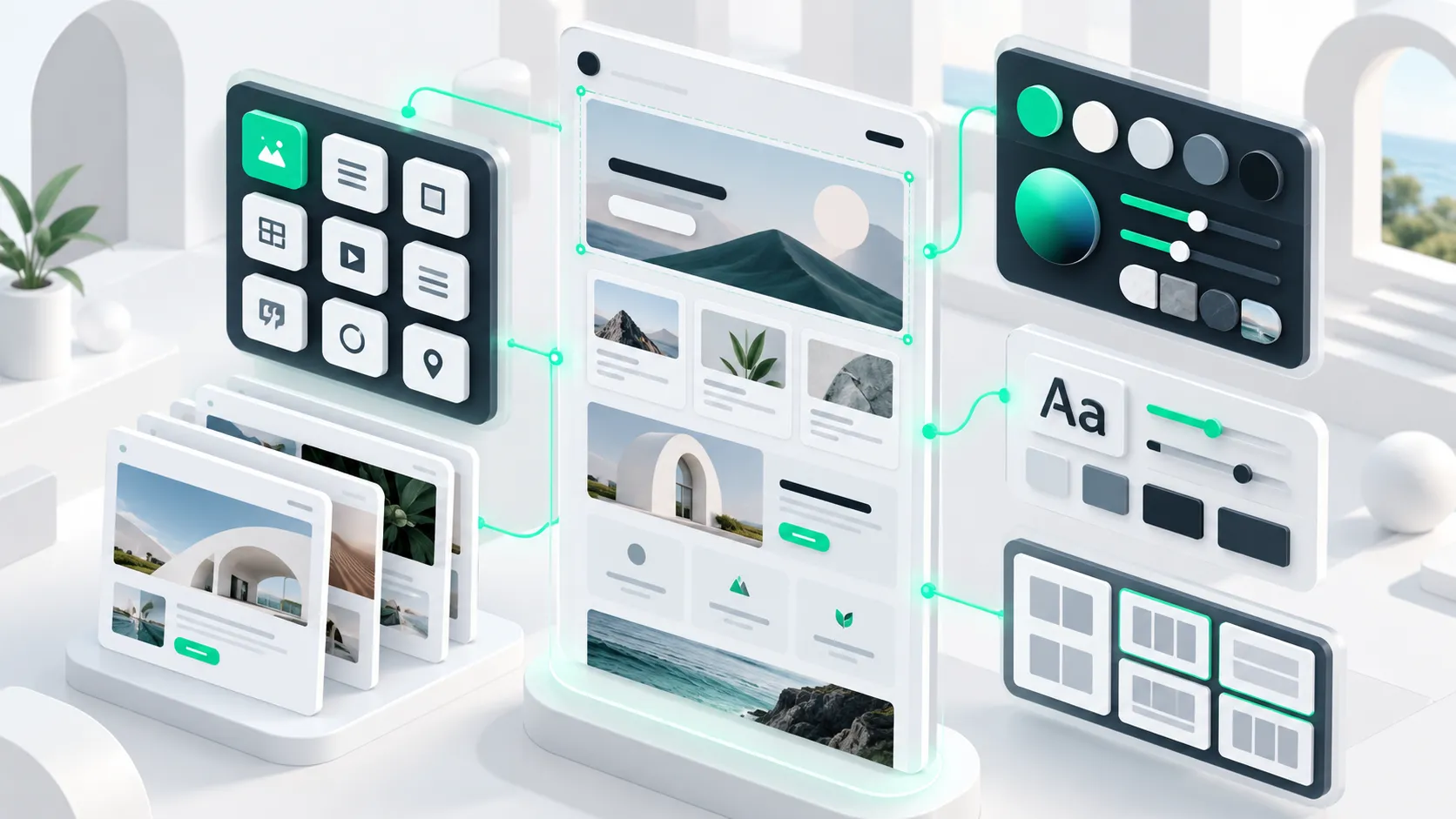
Learn how to create block patterns in WordPress to speed up page building. Explore step-by-step UI guides, PHP code snippets, design tips, and workflow organization.
Learn what WordPress block patterns are, how synced patterns work, and how pre-designed reusable layouts speed up website publishing and improve layout consistency.
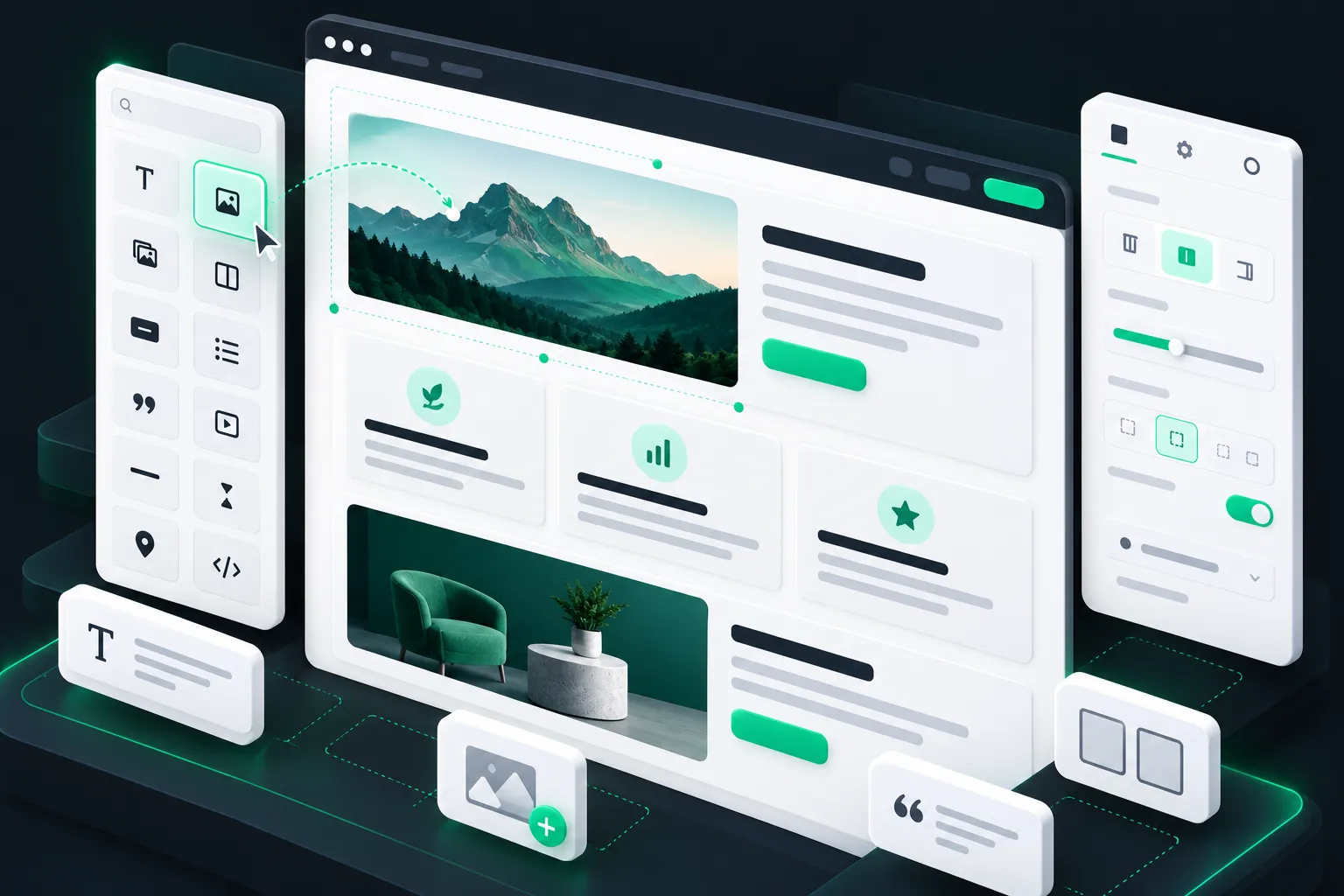
Master WordPress Full Site Editing with this step-by-step tutorial. Learn how to configure block themes, global styles, templates, template parts, and modern workflows.
WordPress Full Site Editing (FSE) transforms how websites are built. Learn how the Site Editor, block themes, global styles, templates, and patterns give you full design control without code.
An essential beginner’s guide to the WordPress database. Learn how MySQL works, understand tables like wp_posts and wp_options, and optimize your database for peak performance.
Unlock the power of WordPress customization. Learn what WordPress action hooks are, how they work, and how to use them with practical, beginner-friendly examples.
Discover how WordPress Multisite works, its benefits and drawbacks, and real-world use cases. Plus, access our complete, step-by-step setup guide to build your own multisite network safely.
Updating WordPress is essential for security and performance, but one wrong click can break your site. Learn the step-by-step safety protocol, from staging sites to database backups, to ensure your updates are 100% risk-free.