
When building a WordPress website, choosing the right development approach is critical for long-term success. One of the most fundamental decisions you will face is deciding between a child theme vs custom theme. This choice impacts everything from your development budget and launch timeline to your site’s performance, page loading speed, and ongoing maintenance requirements.
For many years, the WordPress ecosystem has offered these two distinct pathways for developers and site owners alike. While one relies on inheriting functionality and style from an existing parent theme, the other involves building a completely tailored solution from the ground up. Consequently, understanding how these options compare in real-world scenarios is essential. In this guide, we will break down the differences, compare their performance and scalability, and help you determine which option is best for your unique project.
Before diving into the technical details, here is a quick overview of how these two approaches stack up against each other across critical development vectors.
| Feature | Child Theme | Custom Theme |
|---|---|---|
| Development Cost | Low to Moderate | High |
| Time to Market | Fast (Days to Weeks) | Slow (Weeks to Months) |
| Performance & Speed | Depends entirely on Parent Theme | Optimized, Lightweight & Fast |
| Maintenance Overhead | Low (Parent theme handles core updates) | High (You maintain all code) |
| Design Flexibility | Limited by Parent Theme structure | 100% Unlimited customization |
| Scalability | Moderate (Can become messy with heavy overrides) | Excellent (Structured, modular architecture) |
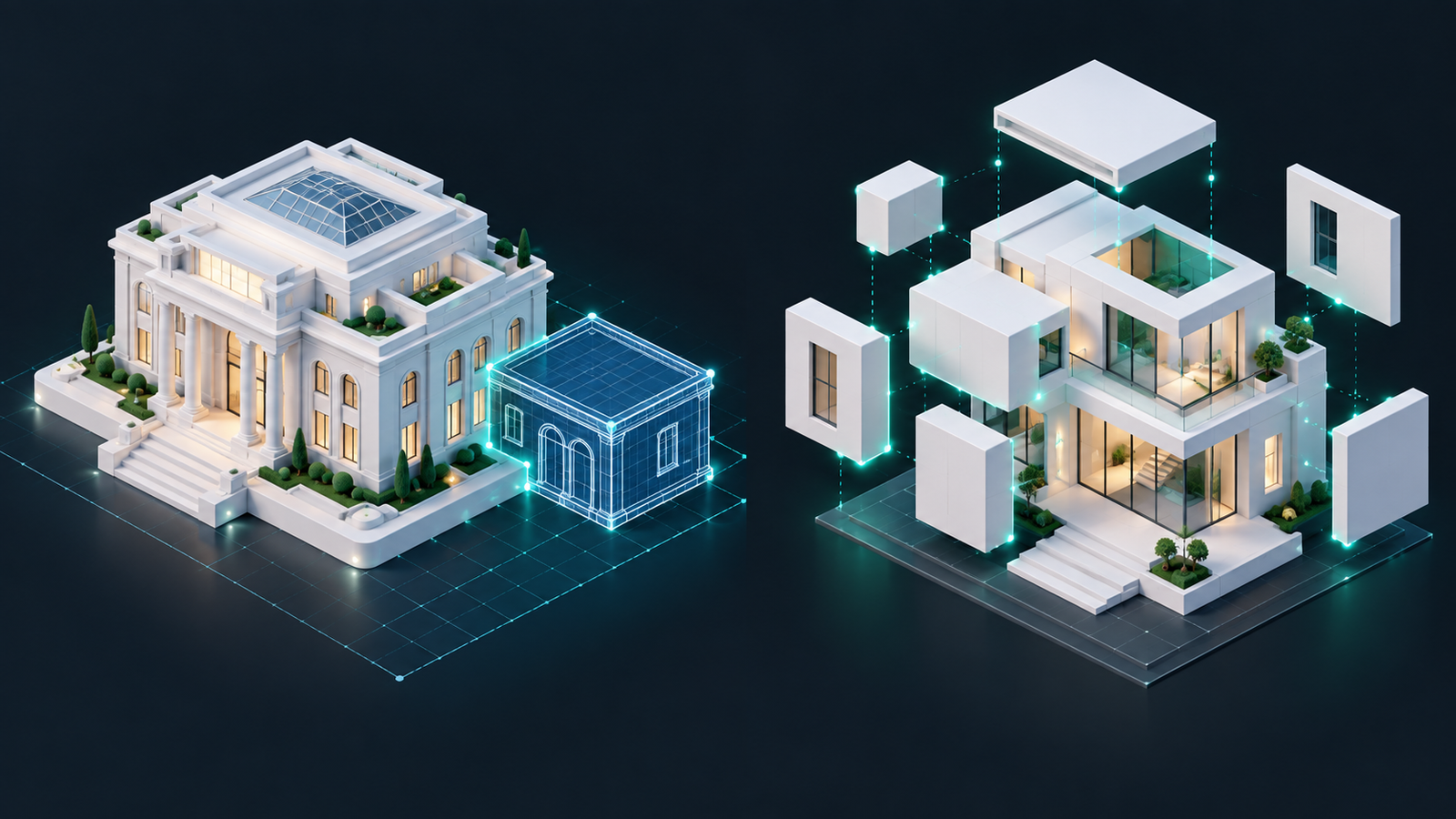
A child theme is a WordPress theme that inherits all the templates, styles, and functionality of another theme, known as the parent theme. Instead of modifying the parent theme files directly—which would get completely overwritten during the next automatic update—you make your custom modifications inside the child theme folder.
However, the main limitation of a child theme is that you are ultimately bound by the parent theme’s architectural decisions. If the parent theme is bloated, poorly coded, or relies on slow built-in page builders, your child theme will inherit those exact performance drawbacks. Overriding complex parent theme styles can also lead to messy CSS and bloated codebases over time.
A custom WordPress theme is a tailor-made solution designed and coded specifically for your website’s unique specifications. Rather than inheriting templates from a pre-made parent theme, developers usually start with a bare-bones “starter theme” (such as Underscores or Sage) or code everything completely from scratch to meet precise brand requirements.
The primary drawbacks of custom themes are cost and maintenance. Building a custom theme requires extensive professional coding knowledge, resulting in significantly higher initial development costs. Furthermore, since there is no parent theme author to release automatic updates, you are fully responsible for maintaining PHP, CSS, and JavaScript compatibility as WordPress updates its core software.
To make an informed decision, let us compare how a child theme vs custom theme performs across four critical operational categories: maintenance, performance, scalability, and cost.
Maintenance is where these two approaches diverge significantly. With a child theme, major security and compatibility updates are handled by the parent theme developer (such as Astra, GeneratePress, or Kadence). When a new version of WordPress drops, the parent theme is updated, and your child theme automatically benefits without any extra effort. Therefore, your security risk is significantly lower if you do not have a dedicated developer on standby.
Conversely, a custom theme requires active, ongoing maintenance. If WordPress deprecates a core PHP function or introduces major architectural shifts, your custom code may require manual adjustments by a professional developer. If you lack in-house technical resources, this maintenance can become a major recurring expense over time.
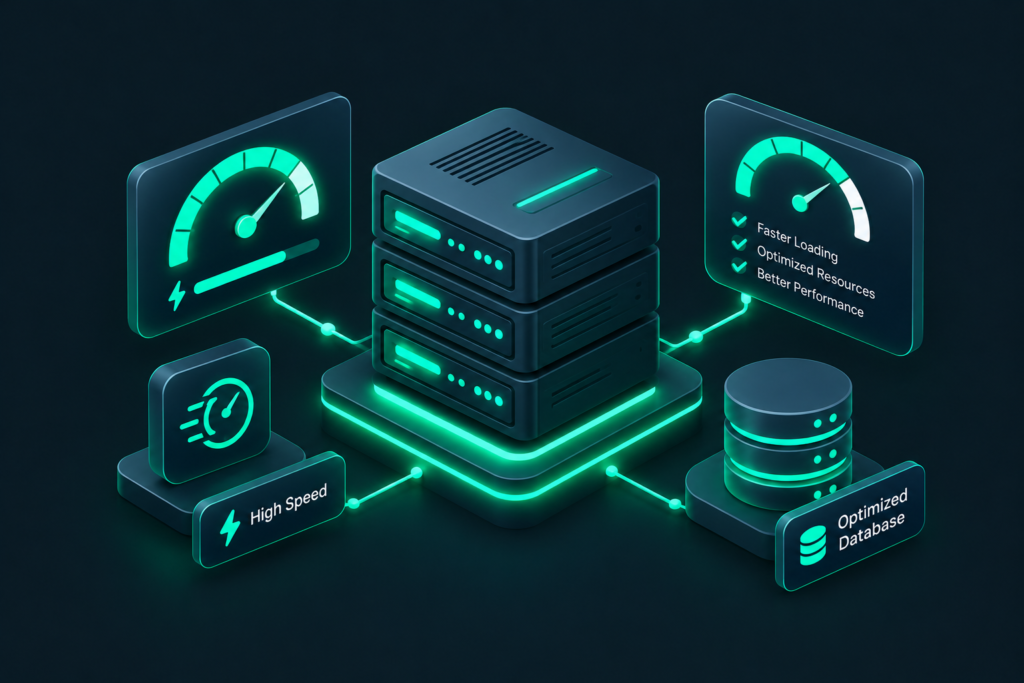
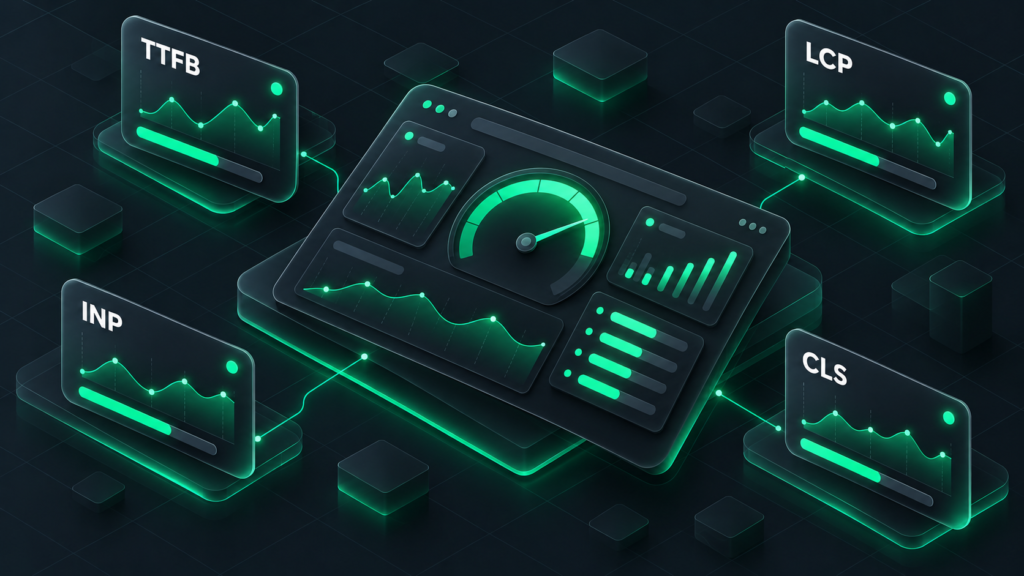
If speed and Core Web Vitals are your top priority, custom themes almost always win the child theme vs custom theme battle. Popular commercial parent themes try to be everything to everyone. To support thousands of different use cases, they often include excess CSS, third-party JavaScript libraries, and configuration databases that your site may never use.
A custom theme, on the other hand, is completely stripped of all bloat. It loads exactly what is required for your specific pages, resulting in an exceptionally lightweight digital footprint. While you can optimize a child theme using caching and optimization plugins, a custom theme is fundamentally fast by default.
For small-to-medium websites, a child theme offers plenty of room to grow. You can add custom page templates, hook into existing actions, and write custom functions. However, as an enterprise-level site scales, a child theme can become restrictive. You might find yourself fighting the parent theme’s grid system, default assets, or built-in post types.
For complex enterprise websites, application-like portals, or high-volume e-commerce platforms, custom themes scale infinitely better. You can design custom database integrations and utilize tailored Gutenberg blocks without having to override or compromise on someone else’s structural code.
This is where child themes have a massive advantage. Utilizing a high-quality parent theme with a child theme can have a site ready in days or weeks at a fraction of the price. Building a custom theme requires professional designers, front-end developers, and back-end developers, which can cost thousands of dollars and take months to complete.
“If you are launching a startup or testing a new business idea, speed to market is everything. A child theme allows you to launch fast and iterate later. Once you validate your concept, you can invest in a custom theme.”
A child theme is typically the best choice if you meet the following criteria:
For more advanced command-line management of your themes, check out our guide on WP-CLI for beginners to learn how to manage and install child themes efficiently.
A custom theme is the superior choice if you meet these conditions:
In the debate of child theme vs custom theme, there is no single correct answer. The best option depends completely on your project goals, technical expertise, budget, and timeline.
If you need a cost-effective, fast, and low-maintenance website, a child theme is the most practical solution. However, if you require absolute control over design, maximum site performance, and a completely bespoke user experience, investing in a custom theme is well worth the resources.