
Selecting the right web host is one of the most critical decisions you will make for your website’s speed, security, and long-term success. Among the many providers on the market, Hostinger WordPress hosting has emerged as a wildly popular choice for beginners, bloggers, freelancers, and small business owners seeking an affordable yet feature-packed solution.
Affiliate Disclosure: This post contains affiliate links. If you click through and make a purchase using our Hostinger link, WP Educated may earn a commission at no additional cost to you. We test and evaluate hosting services independently to provide unbiased, practical insights.
In this comprehensive guide, we examine Hostinger’s WordPress plans, hPanel dashboard, LiteSpeed web server technology, backup features, and pricing structures. Additionally, we analyze who Hostinger suits best—and where its limitations might require a more robust managed hosting solution.
Hostinger is a global web hosting provider known for its budget-friendly infrastructure and proprietary custom control panel called hPanel. Unlike traditional web hosts that rely heavily on cPanel, Hostinger built its ecosystem around customized performance optimizations specifically tuned for WordPress websites.
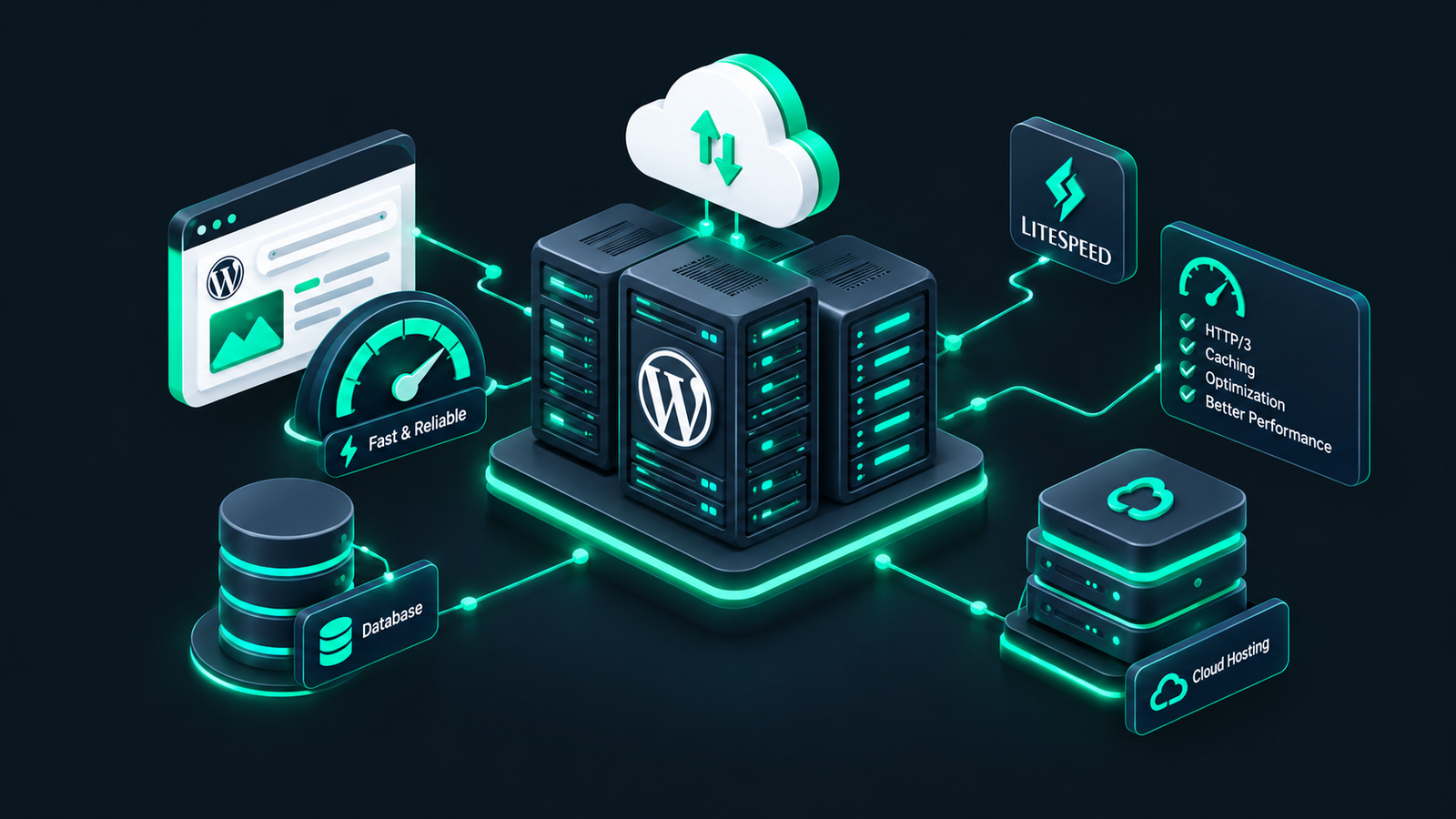
Powered by the LiteSpeed Web Server enterprise edition and integrated with the LiteSpeed Cache (LSCWP) plugin, Hostinger WordPress hosting provides built-in page caching, object caching, and image optimization out of the box. Therefore, even entry-level sites can achieve impressive load times without requiring complex server configuration.
To understand whether Hostinger fits your project, it helps to examine its core technical specifications and management tools in detail.
Instead of the industry-standard cPanel, Hostinger features hPanel—a sleek, modern control dashboard designed specifically for user-friendliness. Through hPanel, users can easily manage domain names, subdomains, email accounts, MySQL databases, PHP versions, and SSL certificates with a few clicks.
LiteSpeed Web Server architecture powers Hostinger’s WordPress platform. LiteSpeed handles concurrent requests faster and uses significantly fewer resources than traditional Apache web servers. Furthermore, higher-tier plans include LiteSpeed Object Cache (Memcached/Redis alternative), which caches database queries to speed up dynamic WordPress pages like WooCommerce stores and member dashboards.
Data security and testing capabilities are critical for modern web development:
Hostinger maintains servers across multiple continents, including North America, Europe, Asia, and South America. During account setup, users can select the data center closest to their target audience to reduce network latency. Security tools include free unlimited SSL certificates, Cloudflare-protected nameservers, automated malware scanners, and Web Application Firewall (WAF) protection.
Understanding Hostinger’s pricing model requires careful attention to introductory promotional rates versus long-term renewal fees. Hostinger frequently advertises deep discounts on multi-year commitments (e.g., 48-month billing cycles).
| Plan Name | Key Features | Ideal For | Backups |
|---|---|---|---|
| Premium WordPress | 100 Websites, 100 GB SSD/NVMe Storage, Unlimited Free SSL, Free Email | Beginners, personal blogs, single client sites | Weekly Automated Backups |
| Business WordPress | 100 Websites, 200 GB NVMe Storage, Object Cache, Staging Tool, CDN | Growing blogs, small business sites, entry e-commerce | Daily Automated Backups |
| Cloud Startup | 300 Websites, 200 GB NVMe Storage, Dedicated IP, Isolated Resources, Priority Support | High-traffic blogs, active WooCommerce stores, agencies | Daily Automated Backups |
Note: Renewal rates apply after the initial billing cycle expires. For updated pricing and current promotions, visit Hostinger’s official pricing page.
Setting up a new website on Hostinger WordPress hosting takes only a few minutes. Follow these simple steps to complete your installation:
yourdomain.com/wp-admin to start building.If you are migrating an existing site, Hostinger provides an automated migration tool within hPanel. For detailed CLI options, you can also refer to our guide on WP-CLI for beginners to manage WordPress installations efficiently.
Hostinger WordPress hosting provides an excellent balance between cost, performance, and simplicity. By combining LiteSpeed server caching, intuitive hPanel management, automated security tools, and responsive 24/7 support, Hostinger offers one of the best starter and mid-tier hosting platforms available today.
Ready to build or migrate your WordPress site? Explore Hostinger WordPress Hosting Plans today and launch your site with speed and confidence.