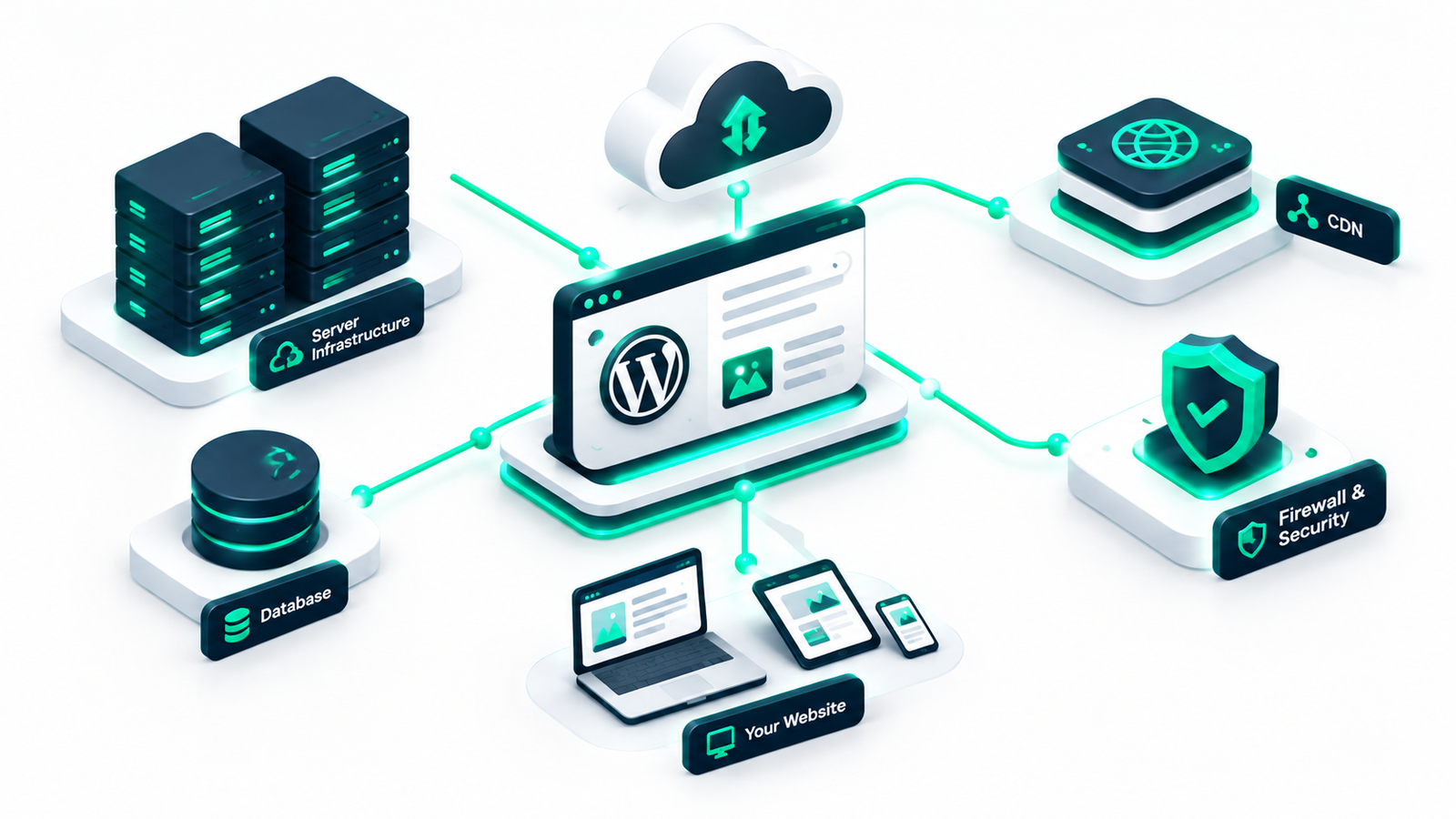

If you run a growing blog, an e-commerce store, or a client agency site, managing website infrastructure can quickly become overwhelming. This is where managed WordPress hosting comes into play. Unlike standard hosting environments where you are responsible for optimizing server settings, configuring backups, and patching security vulnerabilities, managed hosting delegates these technical tasks to server experts who specialize exclusively in WordPress.
At its core, managed WordPress hosting is a concierge service for your website. The host optimizes hardware, database performance, PHP execution, and caching layers specifically for the WordPress content management system. As a result, website owners can concentrate on content creation, marketing, and revenue generation rather than server maintenance.
While exact features differ depending on the provider and plan tier, most top-tier providers offer a standard suite of specialized management tools and services:
One of the biggest advantages of managed hosting is access to technical support teams trained specifically in WordPress architecture. Instead of generic server admins who only troubleshoot hardware status, support engineers can assist with plugin conflicts, database queries, theme memory limits, and performance bottlenecks.
Data loss can disrupt business operations overnight. Managed WordPress hosts mitigate this risk by running automated daily backups (and often hourly backups on high-tier plans). These environments feature one-click restoration options, allowing you to restore your site instantly if an update breaks functionality.
Instead of relying entirely on heavy caching plugins, managed hosts implement server-level caching solutions such as NGINX, Varnish, Redis, and Object Cache Pro. Server-side caching drastically reduces load times and improves server response times (TTFB) without consuming core PHP resources.
Keeping software up to date is crucial for security. Managed hosts handle automatic core WordPress updates and often test plugin updates in isolated environments before applying them to production sites.
Testing new features, design updates, or plugins directly on a live site can cause unexpected downtime. Managed hosting environments typically include one-click staging environments, allowing developers and site owners to build and test changes safely before pushing them to live servers.
Security features often include web application firewalls (WAF), regular malware scanning, DDoS protection, automated SSL certificates, and isolated site environments. Many providers also offer free malware removal if a site is compromised while hosted on their network.
To determine if managed WordPress hosting fits your requirements, it helps to understand how it differs from shared and virtual private server (VPS) options.
| Feature / Aspect | Shared Hosting | VPS Hosting | Managed WordPress Hosting |
|---|---|---|---|
| Performance | Low to Moderate (shared resources) | High (dedicated virtual resources) | Optimized specifically for WordPress |
| Server Maintenance | Basic host maintenance | Self-managed (requires sysadmin skills) | Fully managed by WordPress experts |
| Security | Basic server-level security | User responsible for configuration | Proactive firewall, scanning & remediation |
| Scalability | Limited | High (manual scaling) | High (auto-scaling on top plans) |
| Cost Range | $3 – $10 / month | $10 – $80+ / month | $15 – $300+ / month |
Investing in managed WordPress hosting delivers clear operational benefits for businesses, online stores, and digital agencies:
Despite its clear benefits, managed hosting is not always the perfect choice for every website. Here are the main limitations to keep in mind:
Compared to budget shared hosting options, managed services command a premium price tag. For small personal blogs or tight budget projects, this monthly cost might be hard to justify initially.
Because managed hosts enforce strict speed and security standards, many maintain a list of banned plugins. For example, duplicate caching plugins, aggressive backup plugins, or unstable security scanners are often prohibited to prevent server degradation.
Many managed hosting plans enforce visit-based limits (e.g., 25,000 monthly visits) or PHP worker allocations. Exceeding these limits can result in overage charges or required plan upgrades.
If you require root SSH access or custom non-WordPress software packages running alongside your site, a standard managed host might feel too restrictive compared to an unmanaged VPS.
When selecting the best managed WordPress hosting platform for your website, use this checklist to evaluate options fairly:
Choosing managed WordPress hosting comes down to evaluating the trade-off between cost and peace of mind. For low-traffic starter websites, budget shared hosting or standard VPS setups may suffice. However, for mission-critical business websites, WooCommerce stores, and agency clients, the high performance, robust security, automated updates, and specialized support make managed WordPress hosting a worthwhile investment. For step-by-step administration tips after setting up your hosting, explore our guide on WP-CLI for beginners.