Introduction
Building a WordPress website used to mean choosing between two extreme paths: sticking to rigid, pre-designed templates or hiring an expensive developer to write custom PHP code. However, the rise of the dynamic WordPress ecosystem has completely changed the game. Today, developers and site builders can create complex, database-driven web applications entirely within a visual interface.
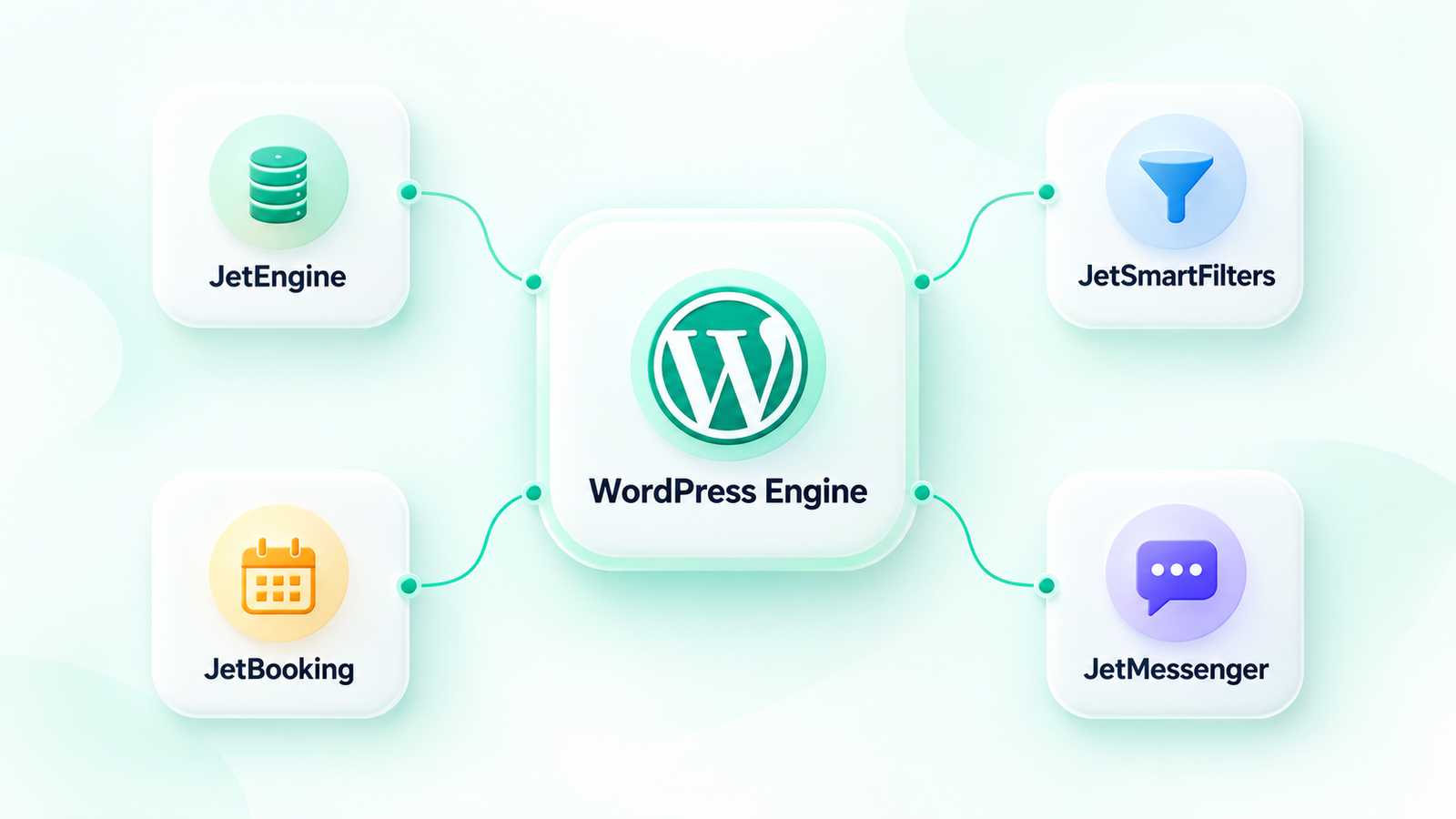
At the center of this revolution is Crocoblock, a power-packed suite of tools known as JetPlugins. If you have ever wondered how to build a dynamic directory, a custom booking portal, an advanced real-time search engine, or a multi-vendor marketplace, Crocoblock is the answer. In this comprehensive review and guide, we will break down what Crocoblock is, explore its flagship plugin JetEngine, and take an in-depth look at every single one of its 19 JetPlugins—including the brand-new JetMessenger.
What is Crocoblock?
Crocoblock is not a single plugin; it is an all-in-one suite of 19 advanced WordPress plugins (called JetPlugins) engineered specifically for creating complex dynamic websites. Originally designed to extend the capabilities of the Elementor page builder, Crocoblock has evolved into an editor-agnostic ecosystem. Today, almost all JetPlugins work seamlessly with both Elementor and the native WordPress block editor (Gutenberg).
Instead of relying on dozens of unrelated plugins from different developers—which can lead to security vulnerabilities, performance bloat, and software conflicts—Crocoblock offers a cohesive toolkit. It is essentially a “developer’s sandbox” that provides the UI controls, query tools, and structure needed to build custom web applications on WordPress without touching code.
The Core Concept: Dynamic Website Development
To appreciate Crocoblock, you must first understand what a dynamic website is. A static website displays the same pre-built content to every visitor. In contrast, a dynamic website changes its content based on user interactions, database queries, and URL parameters.
Dynamic websites rely on:
- Custom Post Types (CPTs): Going beyond standard posts and pages to create custom structures like “Properties,” “Jobs,” “Cars,” or “Events.”
- Custom Fields: Extra data points attached to these post types. For a “Property” CPT, custom fields could include “Price,” “Number of Bedrooms,” “Square Footage,” and “Map Coordinates.”
- Taxonomies: Custom categories and tags to classify your data (e.g., “Property Type” or “Location”).
- Relations: Connecting different post types together (e.g., linking a “Property” post to an “Agent” post).
Crocoblock provides all the database management, query tools, and front-end rendering engines required to configure, control, and display this dynamic data seamlessly.
The Flagship Dynamic Engine: JetEngine Deep Dive
If Crocoblock is an engine, JetEngine is the master cylinder. It is the core flagship plugin of the suite. Without JetEngine, Crocoblock would simply be a collection of design and utility widgets. With JetEngine, it becomes a powerful alternative to ACF Pro (Advanced Custom Fields), Toolset, and Pods.
JetEngine allows you to create CPTs, Taxonomies, and Custom Fields directly inside WordPress. Its standout feature is its Listing Grid layout system, which lets you design a single “card” template and automatically repeat it to display your dynamic posts in highly customized grids, lists, sliders, or maps. JetEngine also includes a Query Builder, allowing you to run complex database operations, a Profile Builder for creating front-end user dashboards, and Dynamic Visibility options to show or hide elements based on user roles, custom fields, or page conditions.
The Complete Suite: Overview of All 19 JetPlugins
Let’s look closely at all 19 JetPlugins, highlighting what they do, their key features, and practical real-world use cases.
1. JetEngine
The foundational plugin for managing dynamic content, custom post types, and fields.
- Key Features: Custom Post Type (CPT) and taxonomy creation; 18+ custom field types; Listing Grid and Listing Slider builders; Dynamic Visibility logic; visual Query Builder; Profile Builder for front-end user dashboards; Rest API integration.
- Practical Use Case: Building a real estate listing site where agents can submit properties from a front-end form, which then display in a stylized searchable grid.
2. JetAppointment
An advanced system for hourly and service-based bookings.
- Key Features: Multi-booking system; customizable provider schedules, holidays, and working hours; custom buffer times before/after appointments; seamless integration with WooCommerce checkout.
- Practical Use Case: Setting up an online booking platform for a medical clinic or a hair salon where users can select a specific professional, date, and time slot.
3. JetBlocks
A utility plugin designed to enrich site headers, footers, and navigation structures.
- Key Features: Authorization/login links; dynamic site logo widgets; search bars; hamburger panel triggers; sticky header effects.
- Practical Use Case: Creating a responsive global header with an elegant slide-out hamburger menu and a floating user login state.
4. JetBlog
An visual layout plugin designed to present dynamic blog posts in highly engaging magazine formats.
- Key Features: Smart List layout; Smart Tiles layout; dynamic Video Playlist widget; scrolling Text Ticker for breaking news.
- Practical Use Case: Designing the homepage of a busy online tech news magazine with multi-grid featured layouts and real-time news tickers.
5. JetBooking
A specialized booking engine for daily, nightly, or seasonal rental services.
- Key Features: Daily/nightly pricing calculation; seasonal rates and custom pricing rules; integrated booking wizard forms; automated booking confirmations; Google Calendar and iCal synchronization.
- Practical Use Case: Developing an accommodation booking engine similar to Airbnb, featuring custom rental rates during holidays and automatic calendar syncing.
6. JetCompare&Wishlist
A direct booster for WooCommerce store conversions and user interaction.
- Key Features: Customized “Add to Wishlist” and “Add to Compare” buttons; visual product comparison tables; dynamic counter icons showing user wishlist counts.
- Practical Use Case: Designing an electronics e-commerce store where shoppers can compare laptop specifications side-by-side before purchasing.
7. JetElements
An extensive library of 40+ dynamic design widgets to style and speed up page building.
- Key Features: Advanced pricing tables; animated progress bars; interactive maps; post sliders; audio/video player widgets; customized SVG icons.
- Practical Use Case: Adding styled, visual flair to an agency’s portfolio landing page using testimonials, circle progress indicators, and call-to-action cards.
The ultimate mega menu builder for structuring complex website navigation menus.
- Key Features: Drag-and-drop dynamic content inside menus; vertical, horizontal, and panel layouts; custom menu badges; fully responsive mobile menu styling.
- Practical Use Case: Designing a massive navigation menu for a department store website, displaying product categories, promo banners, and contact details directly within the menu dropdown.
9. JetMessenger (New Release)
The newest addition to the Crocoblock family, JetMessenger is a powerful WordPress private direct-messaging plugin.
- Key Features: Real-time user-to-user chat; fully responsive dynamic chat box widgets; customizable chat designs; support for multimedia/file attachments and emojis; live unread message notifications; tight integration with JetEngine’s Profile Builder.
- Practical Use Case: Building a community-driven portal or directory where clients can send real-time private messages directly to business listings or service providers, without leaving the site.
An intuitive popup builder designed to serve dynamic content based on specific triggers.
- Key Features: Triggers on exit-intent, page-scroll, user inactivity, or specific element click; direct integration with contact and newsletter forms; compatibility with dynamic meta-field tags.
- Practical Use Case: Creating a targeted exit-intent modal popup offering a 10% coupon code to shoppers who attempt to close the cart page.
11. JetProductGallery
An image and video gallery customizer specifically built for WooCommerce single-product pages.
- Key Features: Multiple gallery layouts (sliders, grids, anchor layouts); smooth hover-zoom effects; dynamic video integration (YouTube, Vimeo, self-hosted) within product galleries; lightbox zoom popups.
- Practical Use Case: Giving a fashion apparel brand’s single product page a premium look with scrolling thumbnail navigation, video model-walks, and high-definition hover zooms.
12. JetProductTables
Transforms traditional WooCommerce grids into responsive, interactive product list tables.
- Key Features: Instant AJAX column sorting and filtering; custom layouts for wholesale quantities; bulk “Add to Cart” functionality; completely customizable table columns.
- Practical Use Case: Building a fast, high-volume wholesale parts catalog where commercial buyers can add multiple products to their carts directly from a single list table.
13. JetReviews
An advanced review, rating, and commenting framework that boosts trust and social proof.
- Key Features: Multi-criteria custom ratings (e.g., Rating price, quality, and service separately); user upvoting and downvoting on reviews; reviews dashboard for administrators; automated Schema rich snippets structure.
- Practical Use Case: Creating an independent hotel review platform where travelers leave multi-criteria reviews and engage in comments under specific hotel listings.
14. JetSearch
An ultra-fast AJAX search engine that delivers instantaneous results.
- Key Features: Real-time, instant search preview results as you type; search results filtering by specific CPTs or taxonomies; highly granular search weight controls; thumbnail previews in search results.
- Practical Use Case: Implementing a rapid-response global search bar on an extensive documentation portal or knowledge-base wiki.
15. JetSmartFilters
The gold standard in WordPress AJAX filtering. Crucial for building any searchable database.
- Key Features: Checkbox, radio button, range slider, dynamic rating, date range, search, and image visual filters; Dynamic Indexing for incredibly fast loading times; seamless AJAX queries without page reloads.
- Practical Use Case: Creating a multi-faceted search panel for a car dealership directory, allowing users to filter cars by price range, brand, color, fuel type, and year instantly.
16. JetTabs
Organizes complex, heavy page content into clean, space-saving tabs and accordions.
- Key Features: Classic and vertical tabs; nested image accordions; dynamic content pulling (display any Elementor or Gutenberg template inside a tab).
- Practical Use Case: Designing a detailed SaaS pricing page where users can toggle between monthly and annual plans or explore technical features in a structured accordion.
17. JetThemeCore
A structural page template builder that bypasses theme restrictions.
- Key Features: Custom Header and Footer templating; Single Post, Archive, and Search Results page templates; highly advanced conditional displays (e.g., “Show Header A on Category X, and Header B on the rest of the site”).
- Practical Use Case: Developing custom headers and footers for different departments of a university portal, completely independent of the global theme styling.
18. JetTricks
Adds premium visual transitions, scroll animations, and interactive details without bloating code.
- Key Features: Dynamic hotspots on images; parallax scrolling effects; expandable “read more” text blocks; sticky elements; satellite widgets.
- Practical Use Case: Creating a modern landing page for a smart home product using interactive hotspot pins on an image to explain each feature of the device.
19. JetWooBuilder
The comprehensive layout builder for designing custom WooCommerce templates.
- Key Features: Custom builders for Shop, Single Product, Cart, Checkout, My Account, and Thank-You page templates; drag-and-drop e-commerce widgets; dynamic layout configurations.
- Practical Use Case: Replacing boring WooCommerce default layouts with heavily customized, branded checkout and cart structures optimized for a high conversion rate.
Crocoblock Plugins Summary Table
Below is a quick reference table outlining the core focus of each plugin in the Crocoblock suite to help you choose what you need for your next project:
| Plugin Name | Primary Purpose | Ideal for… |
|---|
| JetEngine | Database engine for CPTs, Taxonomies, and Fields | All dynamic websites, custom catalogs, and profiles |
| JetAppointment | Hourly appointment booking system | Salons, consultants, coaches, medical offices |
| JetBlocks | Header and footer design elements | Custom site layouts, login indicators, and site search |
| JetBlog | Magazine and news listing layouts | Blogs, news publications, and content portals |
| JetBooking | Daily/nightly booking and rental systems | Hotels, vacation rentals, car and equipment hire |
| JetCompare&Wishlist | Product comparison and wishlist features | E-commerce stores and shopping catalogs |
| JetElements | Page layout design widgets | Quick visual designs and interactive site features |
| JetMenu | Custom mega menus and navigation lists | Large portals, e-commerce stores, directories |
| JetMessenger | Dynamic user-to-user private chat portals | Communities, directories, marketplaces, client zones |
| JetPopup | Dynamic trigger-based popup modals | Marketing, list building, discount displays, logins |
| JetProductGallery | Custom e-commerce single-product visual displays | Premium shop product media galleries and zooms |
| JetProductTables | Interactive grid product data listings | Wholesale order pages, parts list, stock tables |
| JetReviews | Advanced client-review and rating system | Product sites, directory ratings, user feedback |
| JetSearch | Instant real-time AJAX website search results | Blogs, digital databases, directories, online stores |
| JetSmartFilters | Dynamic AJAX custom sorting & database filters | Directory portals, search archives, WooCommerce |
| JetTabs | Accordion and dynamic visual horizontal tab structures | FAQ pages, dense specification lists, pricing grids |
| JetThemeCore | Theme-independent custom visual layouts | Global template configurations, headers, archives |
| JetTricks | Visual animations, hotspots, and dynamic effects | Landing pages, sales funnels, creative visual portfolios |
| JetWooBuilder | Full design WooCommerce custom page templater | Customizing shopping carts, checkout, shop landing pages |
Pros and Cons of Crocoblock
To help you decide whether this suite fits your design stack, let’s explore the advantages and potential drawbacks of using Crocoblock’s JetPlugins.
| Pros (Why Developers Love It) | Cons (The Hard Truths) |
|---|
- Incredible Dynamic Capabilities: Virtually eliminates the need for expensive custom backend coding.
- Exceptional Integration: All 19 plugins share a common development ecosystem, reducing compatibility issues.
- Editor Versatility: No longer locked into Elementor; works wonderfully with native WordPress Gutenberg.
- Saves Money: Purchasing the suite is significantly cheaper than buying individual licenses for single-function alternatives.
- Modular Setup: You only activate the specific JetPlugins you need, which helps prevent plugin bloat.
| - Steep Learning Curve: Because the system is extremely flexible, mastering JetEngine and complex dynamic queries takes considerable practice.
- Performance Overhead: Poorly configured queries or enabling all 19 plugins simultaneously without proper caching can slow down your site.
- Elementor Dependencies: While most plugins support Gutenberg, a few design-oriented widgets are still optimized primarily for Elementor.
|
Conclusion & Verdict: Is Crocoblock Worth It?
The short answer is: Yes, absolutely.
For casual bloggers or simple brochure websites, Crocoblock is likely overkill. However, if you are a freelancer, agency developer, or ambitious site builder looking to construct custom web applications, Crocoblock is arguably the most powerful dynamic suite available for WordPress today.
From the core database structuring capabilities of JetEngine, to the highly robust filtering of JetSmartFilters, all the way to the newly released real-time communication tools of JetMessenger, Crocoblock equips you to deliver enterprise-level websites with minimum hassle. Investing in the Crocoblock license will elevate your WordPress development toolkit to a whole new level.