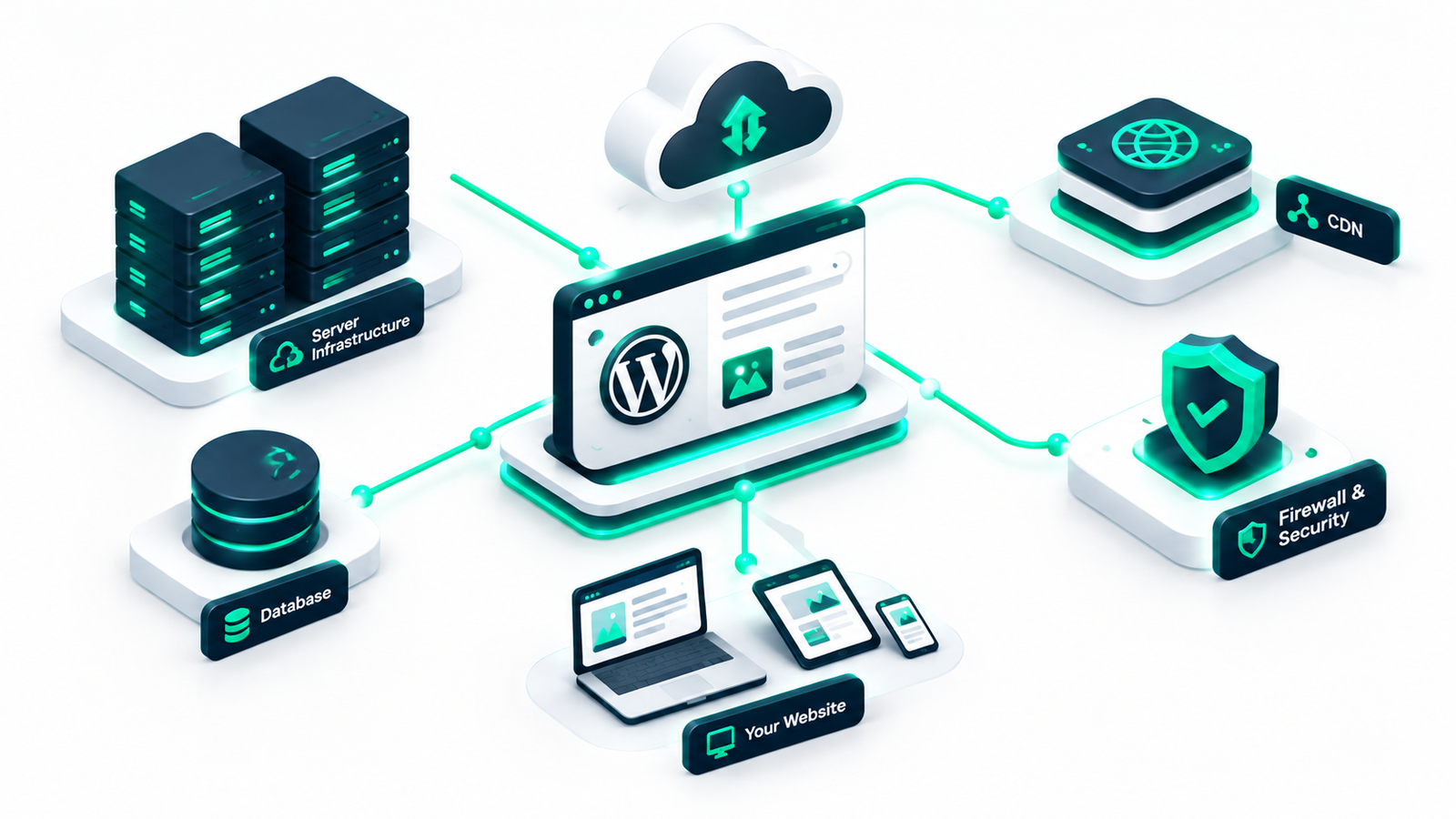

When launching a new website, understanding web hosting for WordPress is one of the most critical first steps you will take. Without web hosting, your site’s files, themes, plugins, and database have no physical server to live on, making it impossible for visitors to access your content online. However, with hundreds of hosting providers and multiple plan types available today, selecting the ideal environment can quickly feel overwhelming for beginners, bloggers, and small business owners.
In this comprehensive guide, we will break down what web hosting for WordPress actually is, how it works, what a quality hosting plan includes, and how the four main hosting types compare in cost, performance, and management. Additionally, we provide a clear decision guide to help you choose the right hosting plan based on your website’s actual traffic and resource needs.
Web hosting is a service that provides the physical computer hardware—known as a web server—and network infrastructure required to store and deliver your website content across the internet. When someone types your domain name into their browser, the browser connects to your web host’s server, retrieves the necessary files, and renders your website on the user’s screen.
While generic web hosting can store any type of site, web hosting for WordPress is specifically configured or optimized to meet the unique software requirements of WordPress. WordPress is a dynamic Content Management System (CMS) built on PHP and powered by a MySQL or MariaDB database. Consequently, a proper hosting environment for WordPress must support specific server capabilities, PHP versions, and memory limits to ensure speed, security, and stability.
“Think of web hosting as renting land on the internet: your domain name is your street address, and your WordPress site is the house you build on that land.”
To understand why choosing the right host matters, it helps to know what happens behind the scenes when a user visits your WordPress site. Unlike simple static websites made purely of HTML files, WordPress generates web pages dynamically in real time.
Because every page load requires server processing and database interaction, the performance, speed, and hardware efficiency of your hosting for WordPress website directly dictate your site’s loading speed and uptime.
When you purchase a web hosting subscription, you are paying for a bundle of server resources, management tools, and infrastructure features. A standard modern plan typically provides:
For more technical setups, managing your server directly via command line tools can significantly boost efficiency. Read our complete guide on WP-CLI for beginners to learn how to manage your WordPress site directly from the terminal.
Not all hosting plans operate the same way. The four primary hosting architectures available for WordPress websites differ significantly in price, resource allocation, technical complexity, and scalability.
Shared hosting is the most common entry point for new site owners. On a shared server, hundreds or even thousands of websites share the same server hardware, RAM, CPU, and bandwidth network. Because expenses are divided among many users, shared hosting is extremely budget-friendly, often costing between $2 to $8 per month.
Pros: Highly affordable, beginner-friendly setup, zero server maintenance required.
Cons: “Bad neighbor” effect (one resource-heavy site can slow down others), limited server resources, lower performance during traffic spikes.
Managed WordPress web hosting is an all-inclusive concierge service where the hosting provider handles server management, WordPress updates, security scanning, daily backups, and server-level caching tailored specifically to WordPress. Providers like Kinsta, WP Engine, and SiteGround offer optimized server environments designed exclusively for high-speed WordPress delivery.
Pros: Exceptional speed, expert technical support, automated maintenance, enhanced security protocols, staging environments.
Cons: Higher monthly cost (typically $20 to $35+ per month), plugin restrictions (certain caching/backup plugins may be blocked), single-CMS limitation.
Instead of relying on a single physical server, cloud hosting distributes your website across an interconnected network of virtual servers. If one hardware server fails or experiences a peak in traffic, other virtual servers in the cloud network automatically step in to balance the load.
Pros: High reliability, near-zero downtime, flexible scaling, pay-as-you-go pricing models.
Cons: Can be complex to configure for non-technical users unless managed through a cloud control panel like Cloudways.
VPS hosting uses virtualization technology to divide a single physical server into dedicated, isolated virtual environments. Although you share hardware with others, your allocated CPU cores, RAM, and disk storage are strictly reserved for your website alone.
Pros: Dedicated resource allocation, full root access and server customization, strong stability.
Cons: Requires advanced system administration skills if unmanaged; higher cost than shared hosting.
To help you evaluate your options quickly, the table below compares shared, managed, cloud, and VPS hosting across five core dimensions:
| Hosting Type | Avg. Monthly Cost | Technical Skill | Control & Customization | Maintenance Required | Scalability |
|---|---|---|---|---|---|
| Shared Hosting | $2 – $8 | Beginner | Low | None (Host Managed) | Limited |
| Managed WordPress | $20 – $50+ | Beginner to Intermediate | Medium | None (Fully Automated) | High |
| Cloud Hosting | $10 – $80+ | Intermediate to Advanced | High | Varies (Unmanaged or Managed) | Extremely High |
| VPS Hosting | $15 – $100+ | Advanced | Full (Root Access) | High (Self-Managed) | Moderate to High |
Rather than claiming a single plan is best for everyone, the ideal web hosting for WordPress depends directly on your site type, expected monthly visits, and technical budget.
If you are launching a personal blog, creative portfolio, or small hobby site expecting fewer than 10,000 monthly visits, a starter shared hosting plan or an entry-level managed plan provides more than enough resources without overspending.
For business websites, active blogs, or lead generation sites where downtime leads to lost customers, choosing managed WordPress hosting is generally the smartest investment. The automated updates, dedicated support, automatic staging sites, and optimized server caching pay for themselves in saved time and peace of mind.
E-commerce stores running WooCommerce require significant database performance because dynamic user carts and checkout pages cannot be easily cached. A dedicated managed WordPress plan with higher PHP worker allocations or a scalable cloud hosting platform (such as Cloudways or AWS) is strongly recommended for sites exceeding 50,000 monthly visits.
If you manage multiple client websites, build custom web applications, or need full control over server packages (such as custom PHP modules, Redis, or NGINX configurations), a VPS hosting plan or high-tier cloud infrastructure offers maximum flexibility and cost efficiency.
Before committing to a multi-year hosting contract, pay close attention to these critical evaluation metrics:
WordPress software itself is free open-source software downloaded from WordPress.org. However, web hosting requires physical servers and network infrastructure, which carries an ongoing monthly or annual fee. While free hosting services exist, they usually inject intrusive ads, offer severe speed limits, and lack reliability.
WordPress.org provides free self-hosted software that you install on your chosen web host, giving you complete freedom over design and monetization. WordPress.com is a hosted platform managed by Automattic that combines software and hosting into a subscription package with customized feature tiers.
Yes, almost all hosting providers allow seamless, seamless upgrades between plans. You can start on a budget shared hosting plan and scale up to managed WordPress or cloud hosting as your web traffic and revenue increase.
Selecting the right web hosting for WordPress forms the bedrock of your website’s performance, user experience, and search engine rankings. By aligning your hosting choice with your current site requirements, technical expertise, and expected traffic, you can ensure a fast, secure, and resilient foundation for your online presence.