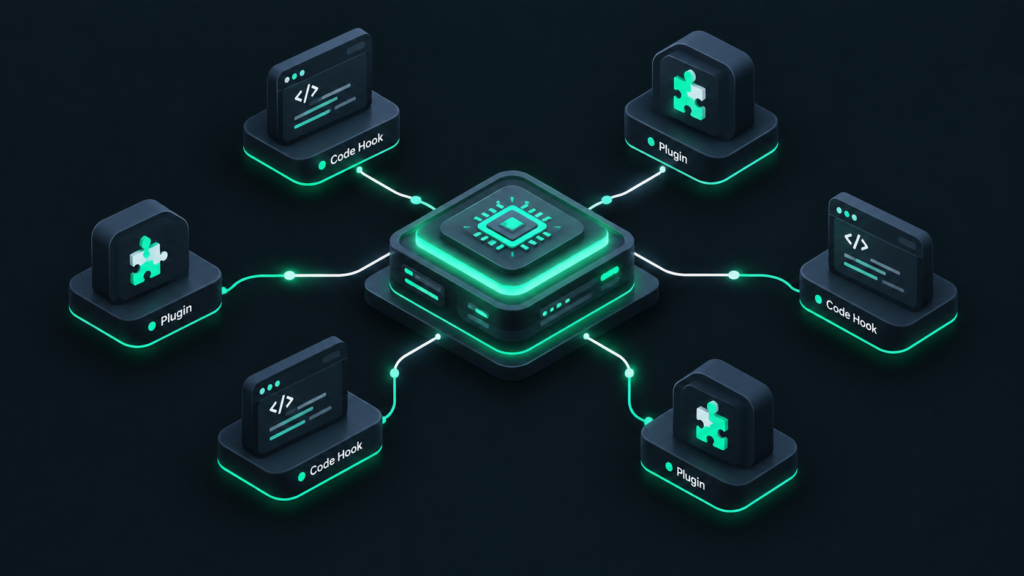
Unlock the power of WordPress customization. Learn what WordPress action hooks are, how they work, and how to use them with practical, beginner-friendly examples.
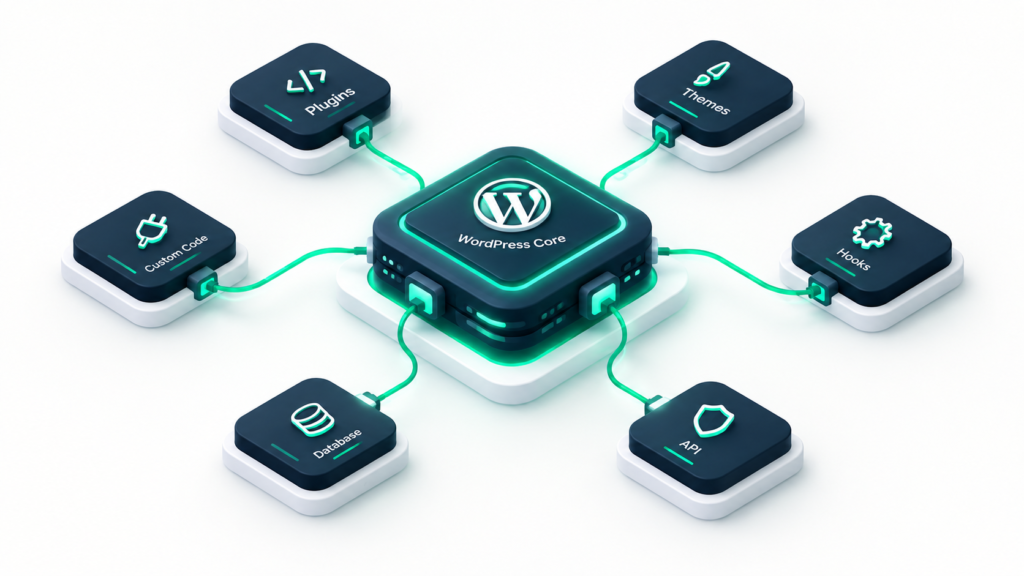
Demystify WordPress hooks in this comprehensive technical guide. Learn how actions and filters work, explore hook architecture with diagrams, and master custom code configurations.
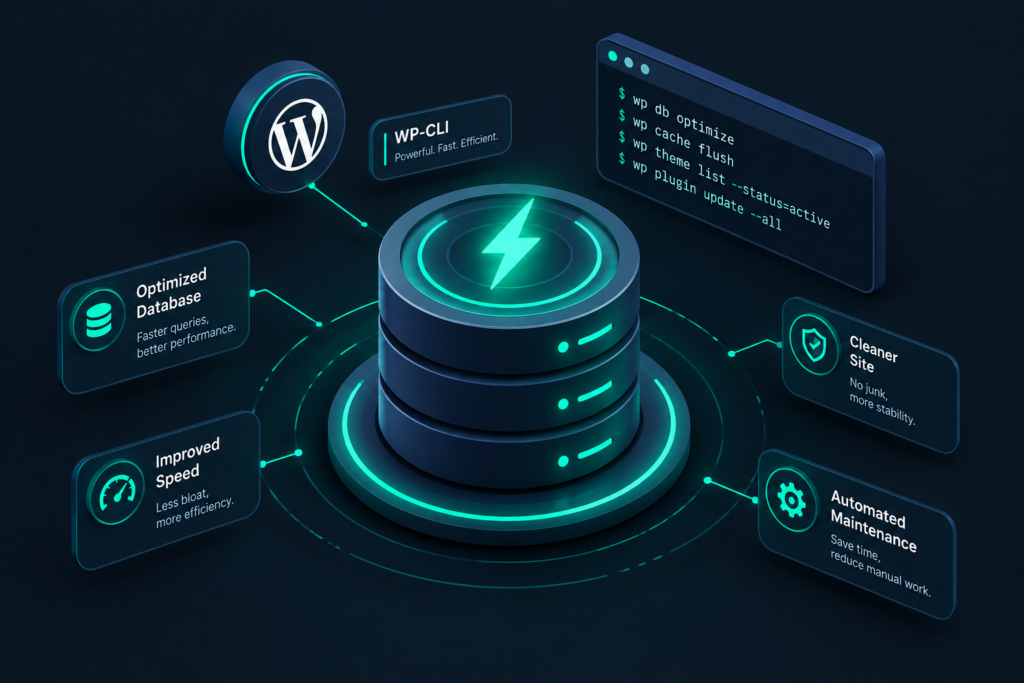
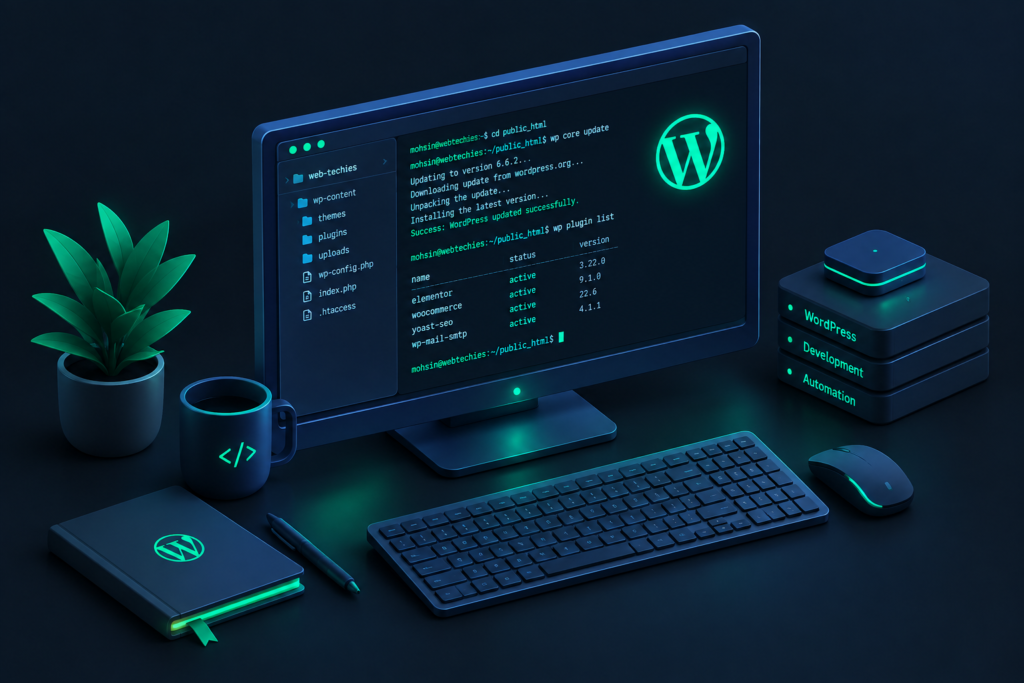
Manage WordPress faster with WP-CLI. Learn how to install it, run essential commands, safely update plugins and core files, back up databases, perform search-and-replace tasks, and automate maintenance with scripts.
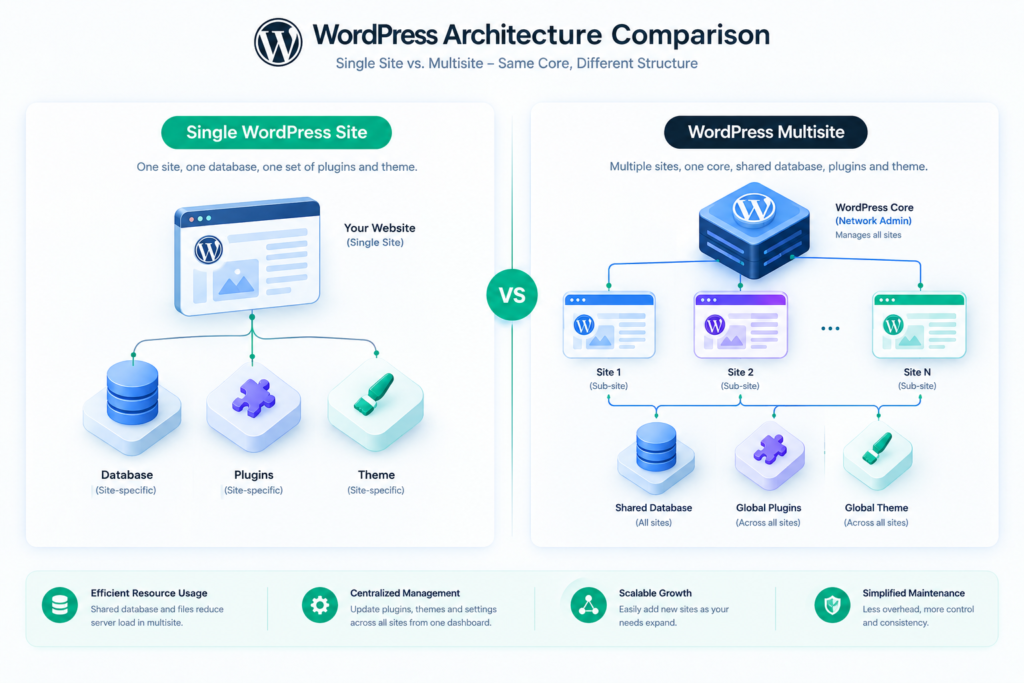
Choosing between a Single WordPress Site and a WordPress Multisite network? This expert guide compares architecture, security, updates, and scalability to help you choose the best infrastructure for your sites.
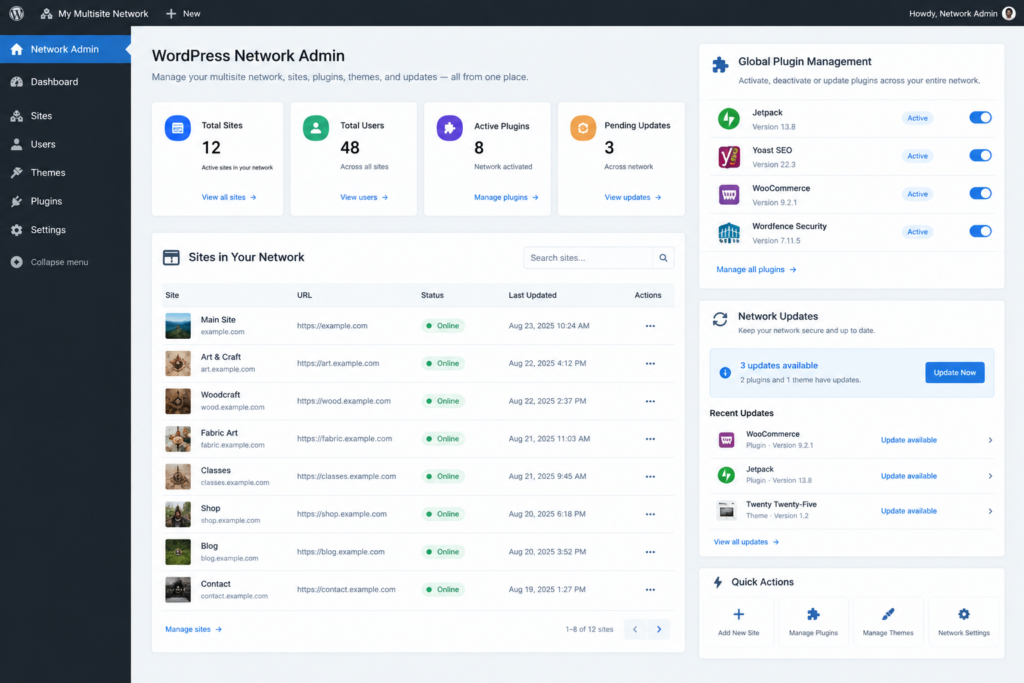
Discover how WordPress Multisite works, its benefits and drawbacks, and real-world use cases. Plus, access our complete, step-by-step setup guide to build your own multisite network safely.
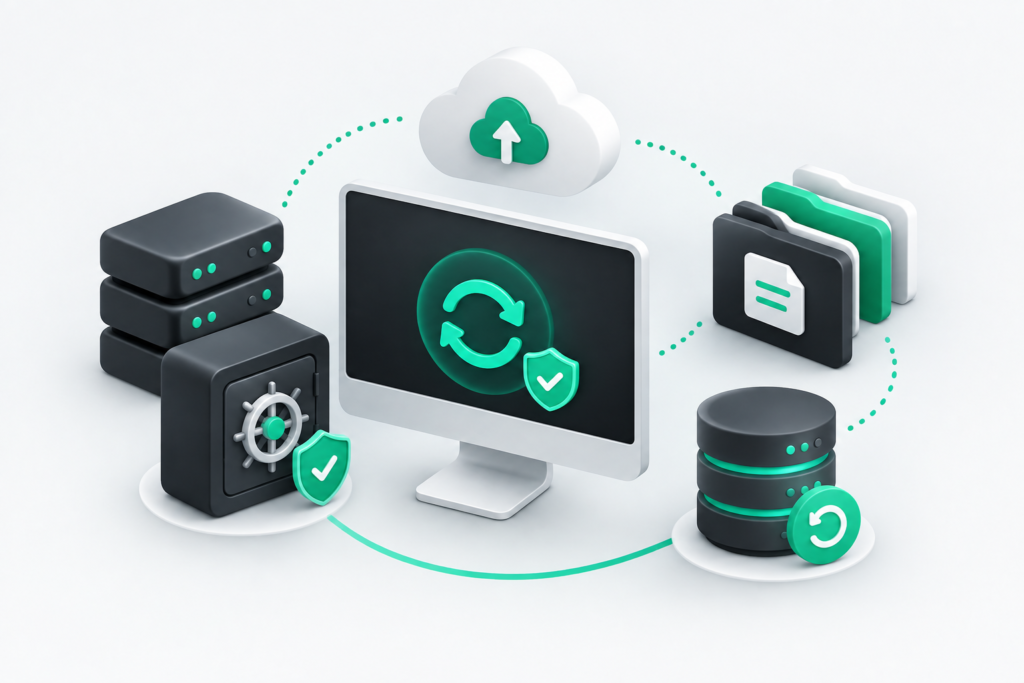
Updating WordPress is essential for security and performance, but one wrong click can break your site. Learn the step-by-step safety protocol, from staging sites to database backups, to ensure your updates are 100% risk-free.
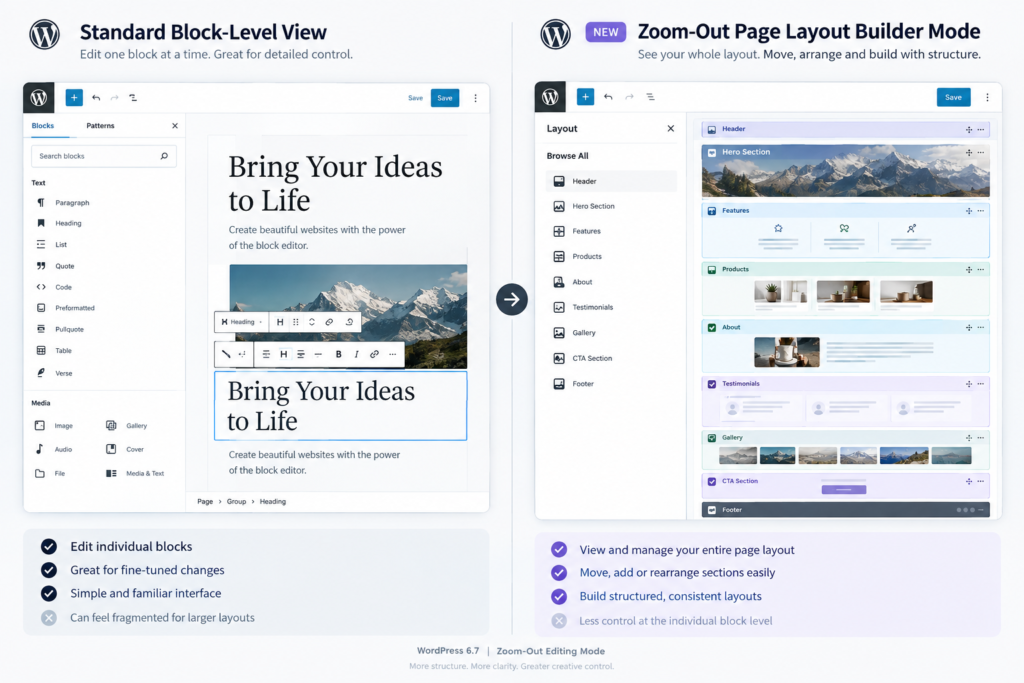
Explore everything new in the latest WordPress update. From the versatile Twenty Twenty-Five block theme and Zoom-Out editing mode to performance gains and developer upgrades, here is your complete guide to WordPress 6.7.
Starting a WordPress website is exciting, but simple errors can crash your site or hurt your SEO. Learn the top WordPress mistakes beginners make and how to fix them.
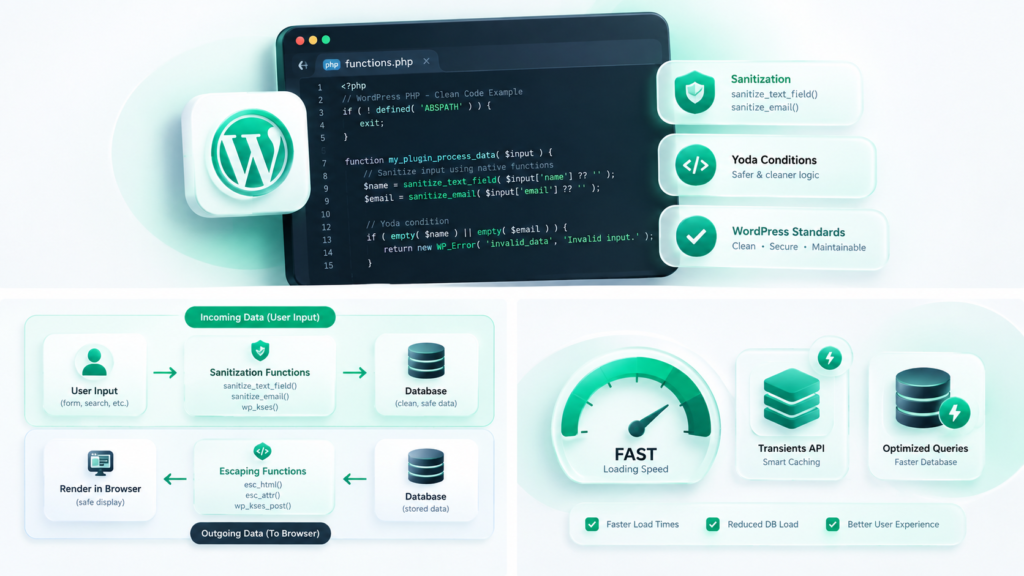
Master essential WordPress best practices for developers. This comprehensive guide covers coding standards, security, database optimization, and modern workflows.
Just installed WordPress? Don’t start blogging yet! Follow our comprehensive, step-by-step WordPress setup checklist to secure, configure, and optimize your new website.
Confused about how to set up WordPress? Our comprehensive guide walks you through managed hosting, cPanel autoinstallers, localhost environments, FTP manual setups, and troubleshooting common errors.